
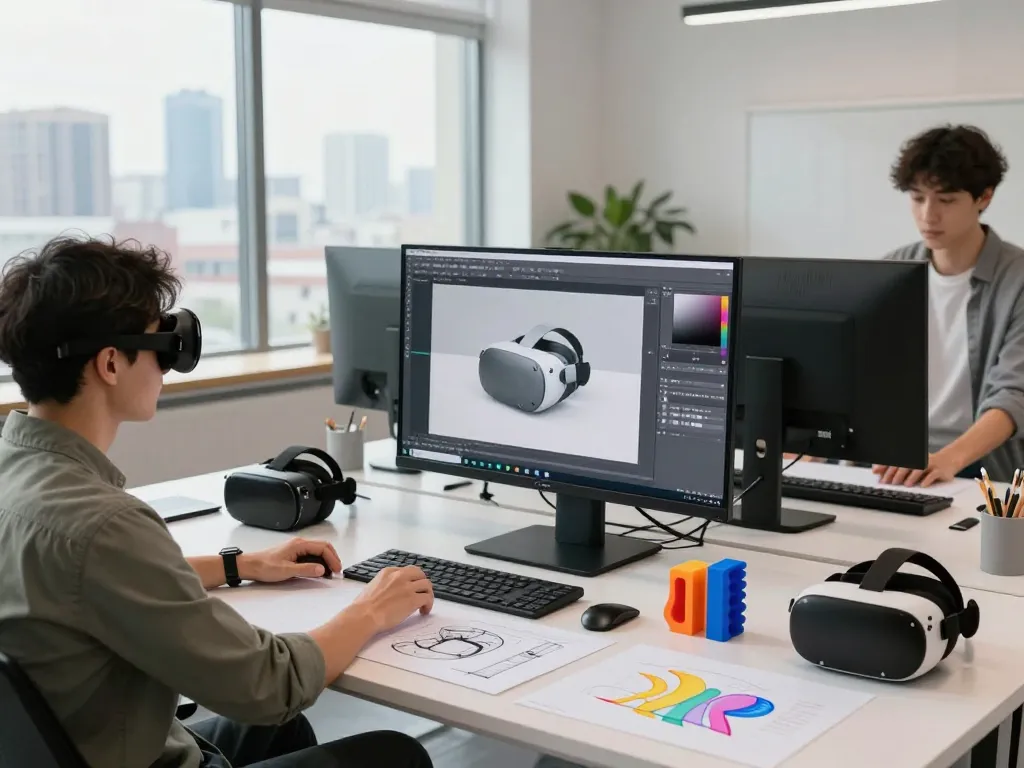
Understanding Image to 3D Technology
In an increasingly digital world, transforming visual concepts into three-dimensional representations has become essential for various industries. The process of converting images into 3D models holds immense potential for designers, artists, engineers, and educators alike. With the advancement of technology, particularly artificial intelligence, Image to 3D tools have emerged as a game-changer, empowering users to create detailed models quickly and efficiently. In this article, we will explore the intricacies of image to 3D conversion, its applications, and how best to leverage these tools for your projects.
What is Image to 3D Conversion?
Image to 3D conversion refers to the process of taking two-dimensional images—such as photographs, sketches, or illustrations—and transforming them into three-dimensional models. This transformation is accomplished using specialized software that employs algorithms to analyze the shapes, textures, and colors within the 2D image, subsequently reconstructing them in a 3D format. This technology aids in visualizing designs, creating prototypes, and enhancing storytelling in various media.
How Image to 3D Tools Work
Most image to 3D tools utilize artificial intelligence and machine learning to perform their tasks. The software typically follows a series of steps to convert a flat image into a multidimensional model:
- Image Input: Users upload a 2D image that serves as the basis for the 3D model.
- Analysis: The tool examines the image’s features, identifying depth and distinguishing different elements within the image.
- Model Generation: Using complex algorithms, the software generates a 3D representation of the image.
- Refinement: Users can refine the model through additional editing tools available within the software, adding textures, colors, and details.
This streamlined process allows users with little or no 3D modeling experience to create impressive models that can be used for various applications.
Applications and Use Cases in Different Industries
The applications for image to 3D technology span multiple industries, showcasing its versatility and impact.
- Gaming: Game developers use 3D models to create immersive environments and characters, seamlessly integrating 2D concepts into their games.
- Architecture: Architects can transform design sketches into realistic 3D models, aiding in visualizations and client presentations.
- Education: In educational settings, 3D models enhance learning by providing tangible examples of complex concepts, such as anatomy or physics.
- Manufacturing: Engineers and designers can prototype products using 3D models, facilitating the testing of functionality and aesthetics before production.
Choosing the Right Image to 3D Tool
Top Image to 3D Tools Compared
When selecting an image to 3D tool, it’s essential to evaluate the options available on the market. Some of the top tools include:
- Meshy AI: Known for its intuitive interface, Meshy AI allows users to create 3D models from various image types swiftly.
- Sloyd AI: Offers unlimited model generation with advanced texturing capabilities, ideal for game development.
- Tripo AI: A user-friendly platform that provides speedy conversions and additional editing features for a polished output.
- HexaGen: Focuses on delivering realistic 3D models from singular images, making it an excellent choice for businesses needing quick visualizations.
Factors to Consider for Your Project Needs
Before choosing a tool, consider the following:
- Complexity of the Model: Assess the intricacy required for your model. Some tools handle complex shapes better than others.
- Learning Curve: Opt for a tool with an intuitive interface that matches your skill level to avoid frustration.
- Output Quality: Examine the quality of models produced by the software, particularly how well they replicate textures and detail.
- Cost: Determine your budget for software costs, as some tools may offer free versions with limited features.
User Experience: Choosing Intuitive Software
User experience is paramount when dealing with image to 3D software. The best tools are those that provide clear instructions, have responsive customer support, and offer a range of tutorials. A smooth onboarding process can greatly enhance your efficiency, making it easier to transition from 2D concepts to 3D models without extensive training.
Best Practices for Effective Image to 3D Conversion
Preparing Your Images for Optimal Results
To achieve the best results when converting images to 3D, preparation is key:
- High-Quality Images: Start with high-resolution images to ensure detail is captured during the conversion process.
- Clear Subject Focus: Ensure the subject of the image is well-defined and distinct from the background.
- Adequate Lighting: Good lighting enhances the visibility of textures and shapes, aiding the software in model generation.
Common Mistakes to Avoid
When embarking on image to 3D conversion, avoid the following pitfalls:
- Overcomplicating the Image: Excessively complex images can confuse the software; simpler images often yield better results.
- Neglecting to Edit: After the initial conversion, neglecting to refine the model can lead to subpar results. Always utilize the available editing tools.
- Ignoring Specifications: Each software has its own requirements and limitations. Familiarize yourself with these to avoid frustration.
Step-by-Step Guide to Converting Images
Here’s a straightforward guide to help you convert images to 3D effectively:
- Select a reliable image to 3D tool.
- Upload your selected 2D image.
- Allow the software to analyze the image.
- Review the generated 3D model for accuracy.
- Edit and refine the model as necessary.
- Export the finished model in the desired format.
Advanced Techniques in 3D Modeling
Enhancing Detail and Fidelity in 3D Models
To elevate the quality of your 3D models, consider employing advanced techniques such as:
- Subdivision Surfaces: This technique smooths out models by adding more polygons, enhancing curves and edges.
- Normal Mapping: Adds detail to models without increasing their polygon count, allowing for realistic textures and appearances.
- Photogrammetry: Using multiple images from different angles to create highly detailed models.
Texturing and Finishing Touches
Texturing is crucial for making 3D models visually appealing. Here are some tips:
- Use High-Resolution Textures: This enhances the visual fidelity of the model.
- Experiment with Lighting: Appropriate lighting setups can dramatically change the perception of texture and depth.
- Apply Finishing Effects: Utilize effects such as glossiness or transparency to add realism to your models.
Integrating 3D Models into Digital Projects
Once your 3D models are complete, integrating them into projects is the next step. Ensure compatibility with platforms such as game engines or AR/VR software, and optimize models for performance without sacrificing quality. Testing models within the target application environment can help identify any adjustments needed before final deployment.
Future Trends in Image to 3D Technology
Emerging Technologies and Techniques for 2026
As we move further into the digital age, the future of image to 3D conversion is bright. Innovations in AI and machine learning will drive improvements in speed and accuracy. Techniques like real-time rendering and cloud-based processing are expected to become more mainstream, enabling users to work from anywhere.
Predictions for the Evolution of 3D Modeling
Looking ahead, we can expect:
- Increased Accessibility: More user-friendly tools will emerge, making 3D modeling accessible to non-professionals.
- Integration with Virtual Reality: Enhanced integration of 3D models into VR environments will open new avenues for work and play.
- Collaboration Tools: Real-time collaboration features will allow multiple users to work on a project from different locations.
Industry Insights from Experts on Upcoming Trends
Leading experts in the field predict that as the technology matures, industries such as entertainment, education, and design will increasingly rely on image to 3D conversion for rapid prototyping and innovation. Keeping abreast of these trends will provide a competitive edge in utilizing 3D modeling for business growth and creative exploration.
How does Image to 3D conversion impact different industries?
Image to 3D conversion has a profound impact across various sectors. In manufacturing, it optimizes the design process, reducing time to market. In education, it enhances learning experiences, making complex subjects more tangible. The entertainment industry benefits from rapid prototyping and iteration of characters and settings, leading to engaging products.
What are the best free tools available for Image to 3D?
Many free tools offer excellent capabilities for converting images to 3D models. Some notable mentions include:
- Blender: A comprehensive tool that, while complex, offers a robust feature set for 3D modeling.
- SketchUp Free: Ideal for beginners, it provides an accessible platform for creating simple 3D models.
- TurboSquid: Offers a library of free models along with an easy way to create your own.
Can Image to 3D conversion be done without any prior experience?
Yes, opting for user-friendly tools can allow individuals with no prior experience to convert images effectively. Many platforms offer tutorials and community support to help beginners get started.
What are common uses for Image to 3D in business?
Businesses commonly use image to 3D conversion for advertising, product design, training simulations, and visualization for presentations. This technology streamlines workflows, enhances marketing efforts, and facilitates clearer communication of ideas.
How can I improve the quality of my 3D models?
To enhance the quality of your 3D models, focus on using high-resolution images, refining the model post-conversion, and incorporating detailed textures. Continuous learning through tutorials and updates will also bolster your skills in 3D modeling.