
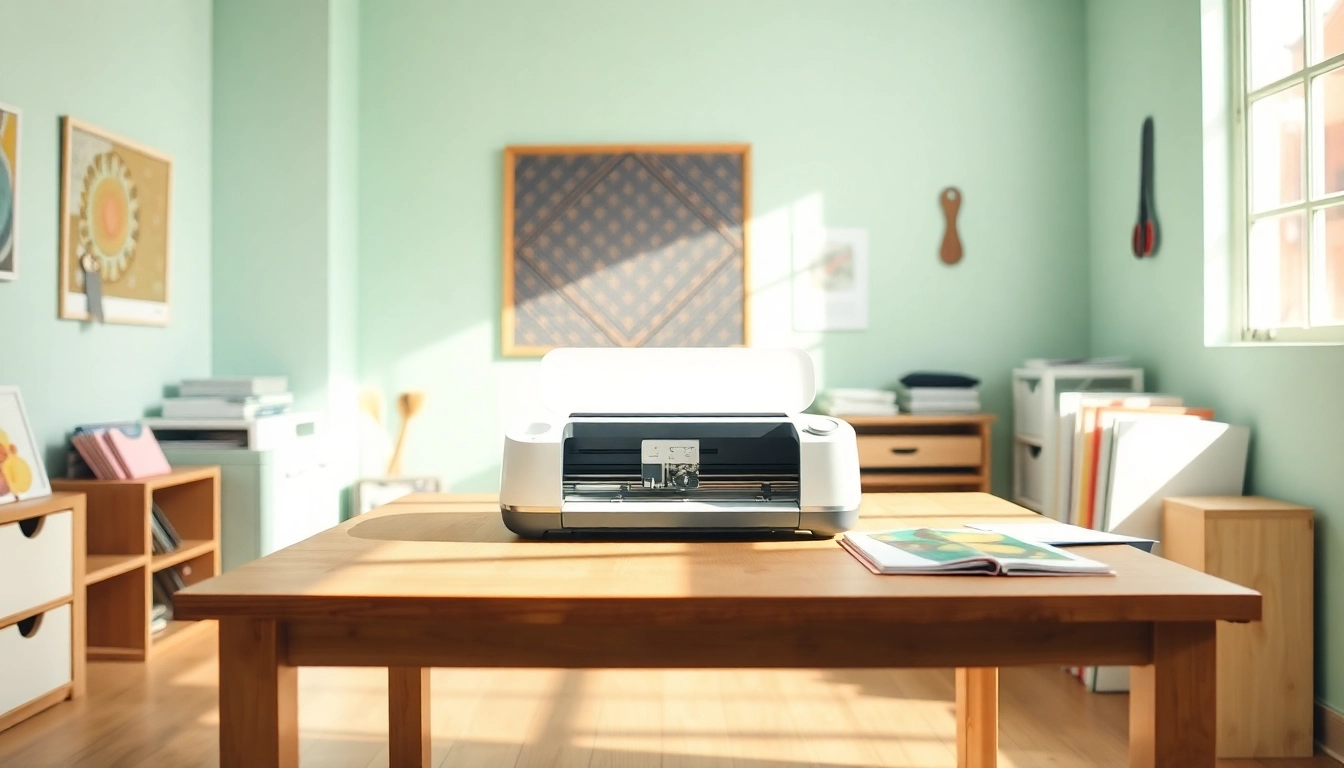
Getting Started with Your Cricut Machine
If you’ve recently purchased a Cricut machine or are considering diving into the world of DIY crafting, you’re in for an exhilarating journey! The Cricut machine offers endless possibilities for crafting, from custom decals to unique home décor and personalized gifts. Understanding the basic functionality of your Cricut, along with the various models and tools available, is essential for a successful start. For those embarking on this crafting adventure, this guide serves as a comprehensive resource to ease you into using your Cricut effectively. Check out Cricut for beginners for detailed tips and tricks tailored specifically for newcomers.
Understanding the Different Cricut Models
Cricut offers several cutting machines that cater to varying skill levels and project complexities. Here’s a quick overview of the most popular models:
- Cricut Explore Air 2: This model is perfect for beginners, providing versatility in cutting a range of materials. It supports Smart Materials, vinyl, cardstock, and more.
- Cricut Maker: A step up in capabilities, the Maker can cut over 300 materials with precision. It’s ideal for those wanting to explore more complex projects like fabric and leather cutting.
- Cricut Joy: Compact and user-friendly, the Joy is excellent for quick, small projects. It’s perfect for card-making and simple labels.
Choosing the right model depends on what projects you want to accomplish. Beginners might find the Explore Air 2 to be the perfect starting point, while more advanced users can opt for the Maker.
Essential Tools and Materials for Beginners
Once you’ve selected your Cricut machine, gathering essential tools and materials is the next step. Here’s a list to get you started:
- Cutting Mat: Standard Grip Mats are ideal for most materials.
- Weeding Tools: These help remove excess material from your designs.
- Scissors: Handy for cutting around intricate designs before loading them into the machine.
- Vinyl and Paper: Start with adhesive vinyl and cardstock to create basic projects.
- Transfer Tape: Essential for moving your vinyl designs onto surfaces without damage.
Having the right tools will make your crafting experience much smoother and more enjoyable.
Setting Up Your Cricut: Step-by-Step Guide
Setting up your Cricut machine doesn’t have to be daunting. Follow these steps for a seamless start:
- Unbox Your Machine: Remove your Cricut from the packaging and plug it in.
- Install Software: Download and install Cricut Design Space on your computer or mobile device.
- Create an Account: Sign up for a Cricut account to access projects and tutorials.
- Connect Your Machine: Ensure Bluetooth is enabled (on models that support it) and pair your machine with your device.
- Perform a Test Cut: Before diving into your first project, conduct a test cut using provided materials in the machine.
Basic Techniques Every Beginner Should Master
With the setup complete, it’s time to learn some fundamental techniques that every Cricut novice should master. Familiarizing yourself with the software and basic functions will lay the groundwork for your crafting skills.
How to Use Cricut Design Space Effectively
Cricut Design Space is where all the magic happens. Here are some tips to utilize this software efficiently:
- Explore Pre-Made Designs: Take advantage of the plethora of free and paid designs available.
- Create Custom Designs: Utilize the drawing and text tools to make personalized projects.
- Save Your Projects: Always save your work to prevent loss of progress.
Understanding Weeding and Application of Vinyl
Weeding is the process of removing excess vinyl from your design after cutting. Mastering this technique is vital for clean and professional-looking projects. Here’s how to do it:
- After cutting, use a weeding tool to pull away excess material.
- Ensure you don’t remove parts of the design you want to keep.
- Apply transfer tape over your design to facilitate easy application onto a surface.
First Projects: Simple Items to Create with Cricut
Start with simple projects to build your confidence and skills:
- Customized Mugs: Use adhesive vinyl to create unique designs.
- Greeting Cards: Create personalized cards for special occasions using cardstock.
- Wall Decals: Make removable wall art using vinyl to enhance any room’s décor.
Exploring Popular Cricut Projects for Beginners
As a beginner, exploring popular Cricut projects can be a great source of inspiration. Here are some fun ideas that many new Cricut users enjoy creating:
Creating Personalized Gifts for Friends and Family
Personalized gifts always leave a lasting impression. Using your Cricut, you can create:
- Monogrammed Towels: Ideal for weddings or housewarming gifts.
- Customized T-shirts: Make unique apparel for birthdays or special events.
Fun Home Decor Projects Using Your Cricut
The Cricut machine can dramatically enhance your home decor. Consider these projects:
- Framed Wall Art: Cut inspiring quotes from vinyl and frame them.
- Pillow Designs: Personalize throw pillows with custom designs.
Seasonal Crafts: Celebrating Holidays with Style
Make the most of every season with crafts tailored to various holidays. Some ideas include:
- Halloween Decorations: Create spooky signs and décor items.
- Christmas Ornaments: Design unique ornaments to celebrate the holiday spirit.
Overcoming Common Cricut Challenges
Even the most seasoned crafters encounter challenges. Here are solutions to common beginner issues:
Troubleshooting Common Issues in Cricut Projects
Beginner users often face software glitches or cutting mishaps. Here’s how to resolve them:
- Ensure your blade is clean and sharp for optimal cutting.
- Recheck your machine settings to confirm they match your project requirements.
Tips for Avoiding Material Waste
To make the most of your materials:
- Plan your projects carefully and use the layout feature in Design Space to optimize material usage.
- Use scraps creatively in smaller projects or accessories.
Understanding Software Updates and Its Benefits
Keeps your Cricut running smoothly by regularly checking for software updates. Updates can enhance performance and add new features that benefit users.
Future Trends in Cricut Crafting for 2026
As technology evolves, so does the crafting landscape. Here’s what to look forward to in 2026:
Emerging Materials and Techniques to Watch
In the coming years, expect an expansion in available materials, including:
- Eco-friendly Options: Biodegradable materials are becoming popular among crafters conscious of their environmental impact.
- Smart Materials: Materials that can react to temperature or light will allow for innovative projects.
Community and Online Resources for Continuous Learning
Engaging with the Cricut community through forums, social media groups, and online classes will continue to be vital for growth and inspiration.
How to Stay Inspired and Engaged in Your Craft
Stay connected and inspired by following Cricut influencers, joining local craft clubs, and participating in online challenges to keep your creative juices flowing.